

The Official Microsoft Blog recently announced the integration of new Bing search with artificial intelligence. Powered by OpenAI technology, known for ChatGPT, Bing, which has always been the runner-up among online search engines, has received a significant boost in popularity with this incorporation of AI.
More recently, artificial intelligence has been renamed Copilot, combining the capabilities of generative AI with those of a personal assistant, similar to Alexa. But what does this innovation mean for individuals, professionals, and especially for companies and their leaders?
Let’s explore what Bing Ai Search is and how this new Microsoft search feature works. Check it out!
What is Bing AI Search?
Bing AI Search goes beyond simply integrating OpenAI’s artificial intelligence, known for ChatGPT, into its search engine.
First, the integration of GPT into Bing’s search engine enhances its capabilities, making it smarter and more intuitive. With the “Chat” feature, you can perform complex tasks that would normally require additional searches.
For example, you can use Bing AI Chat to plan a birthday trip in September. In addition, Microsoft’s Prometheus model has been added, bringing advanced natural language understanding.
This combination of AI models ensures that Bing’s search results are not only relevant, but also more in-depth and insightful.
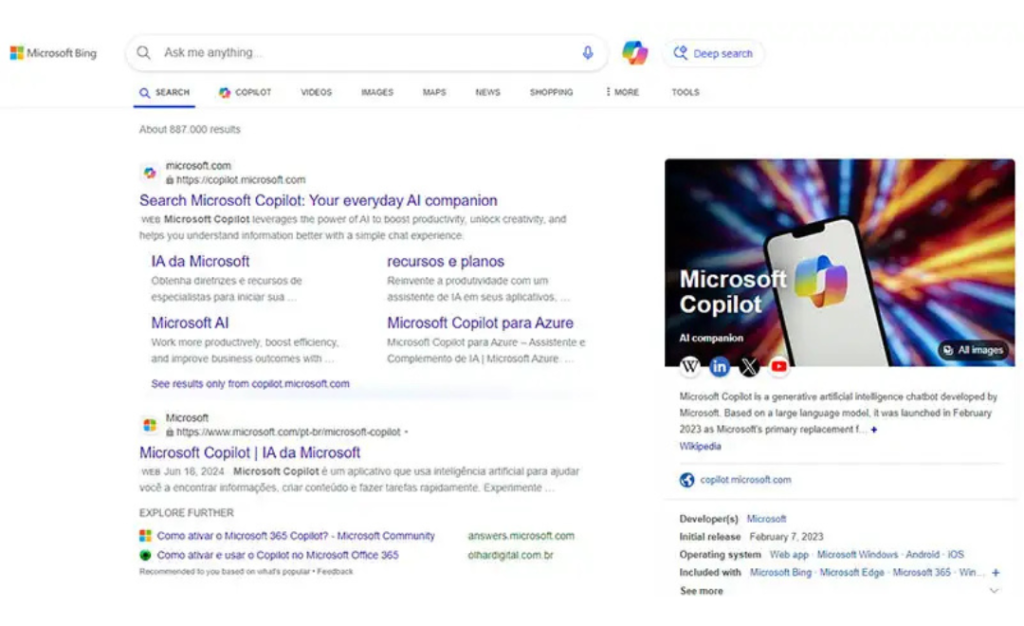
How Bing AI Search works
According to Microsoft, the new Bing search is a combination of four technologies: OpenAI’s state-of-the-art model, Microsoft’s Prometheus model, AI applied to the core search algorithm, and a new user experience.
We won’t go into detail about each of these technologies, but it’s important to understand the context, right?
The first model, from OpenAI, is the most advanced version of artificial intelligence that answers questions more accurately and quickly (an evolution of ChatGPT).
The secret lies in Bing Orchestrator, a component that combines Bing’s search, indexing, and ranking data with GPT’s AI. Therefore, your next interaction with Bing chat or your search will be processed by this technology.
Finally, the search engine has also incorporated artificial intelligence, which improves simple search results. In addition, users now have a new experience when interacting with the web.
How does Bing search work?
Bing works similarly to Google, both being keyword-based search engines.
Google’s algorithm is quite advanced, thanks to its long leadership in the industry, accumulating vast experience. It considers not only the basic elements of SEO to rank a page, but also other factors, such as the quality of the content and the relevance of the author or brand behind it.
Google’s initial success in the late 1990s was due to the introduction of the concept of “relevance” to list the best pages in search results. Today, several updates have been implemented, the main one being E-E-A-T (Experience, Expertise, Authoritativeness, and Trust), a fundamental guideline for evaluating the quality of web pages.
On the other hand, Bing is more focused on what we call “social search” (searching through social networks), and local results are predominant in almost all searches.
In short, the algorithms are different!
What sets Bing AI Search apart?
Before the integration with AI, Bing’s main differentiator was its audience profile. However, although this is still relevant today, there are other factors to highlight.
One of them is the collaboration between AI features on Bing. These features are developed and improved to deliver search results that go beyond relevance, providing deep insights.
Bing AI Search is always improving, and the latest addition is Copilot, which, as the name suggests, acts as an assistant to help with various daily tasks.
The company is also focused on improving its search algorithm with the most advanced SEO and AI techniques.
However, it is important to note that Bing is not the same as ChatGPT. Although both use the same technology, they are different versions. Try Bing AI in the search engine’s chat to see the difference.
Bing’s Copilot is designed to be a creative assistant within the search engine. What really sets Bing’s AI apart is its commitment to serving a specific audience.
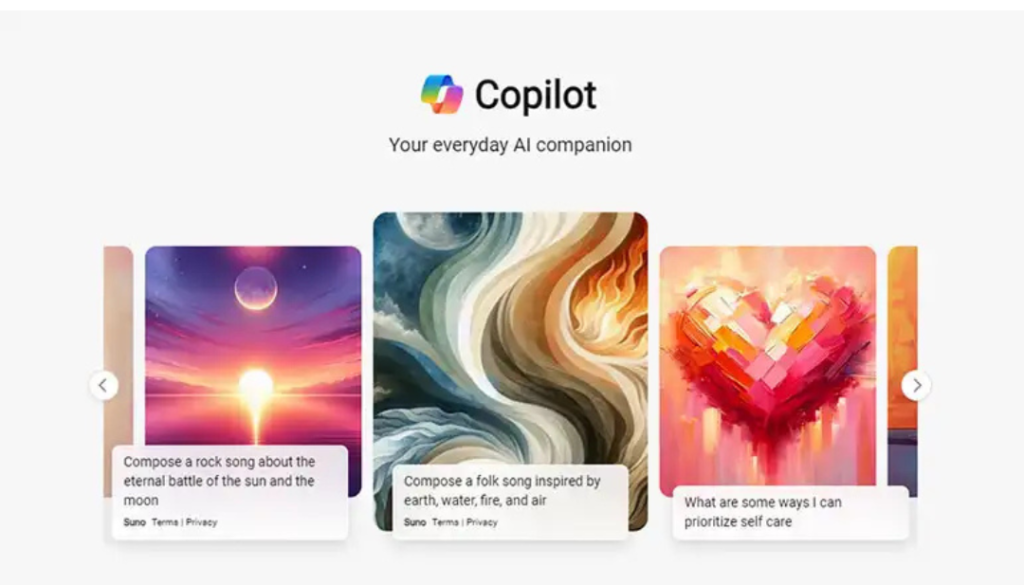
Two notable features of Copilot are its interface and the accuracy of the information it provides. As with other AIs, it is important to verify the information generated, and Copilot makes this easy by providing links to sources at the end of the text.
This is extremely useful for productivity.
Another highlight is Copilot’s interface, which is simple and intuitive, with tutorials in the sidebar that allow you to quickly master the tool. In addition, Copilot already has an application that can be installed on your computer, functioning as a virtual assistant.
How to use Bing AI Search?
Bing AI search offers a more personalized search experience with a variety of features. Here’s how to use it step by step:
- Access Bing: Open Bing in your browser.
- Enter your search: In the search field, enter any term or question about what you want to know. Copilot already suggests some questions to continue the conversation.
- Talk to AI: You can respond to the suggested topics or type your own questions. Bing’s AI can respond.
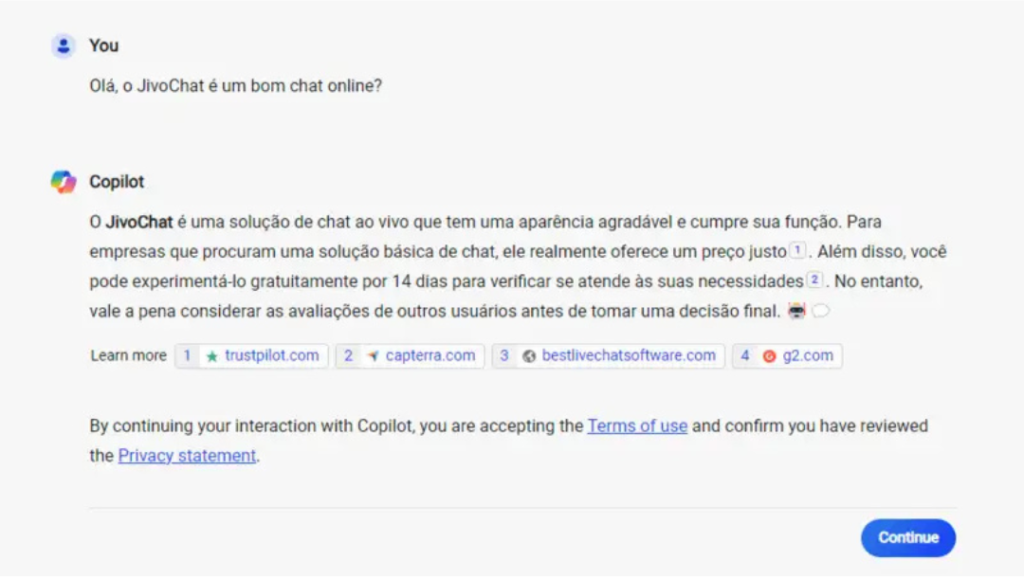
- Take Advantage of Available Resources: Ask for a summary of the main points of a book, TV series, research paper, etc.
- Image Creation: Type what you want to see, and Bing Chat will generate images based on your words.
- Writing Styles: Use prompts to customize the response, such as adding humor, formality, or organizing the text into bullet points.
Remember that Bing will maintain the context of the current conversation with each new request. To change the subject, click “New Topic” to restart the chat.
How to use Bing AI to create images?
In addition to Bing AI Search, which integrates image creation into chat, there is a specific tool for an even more personalized experience.
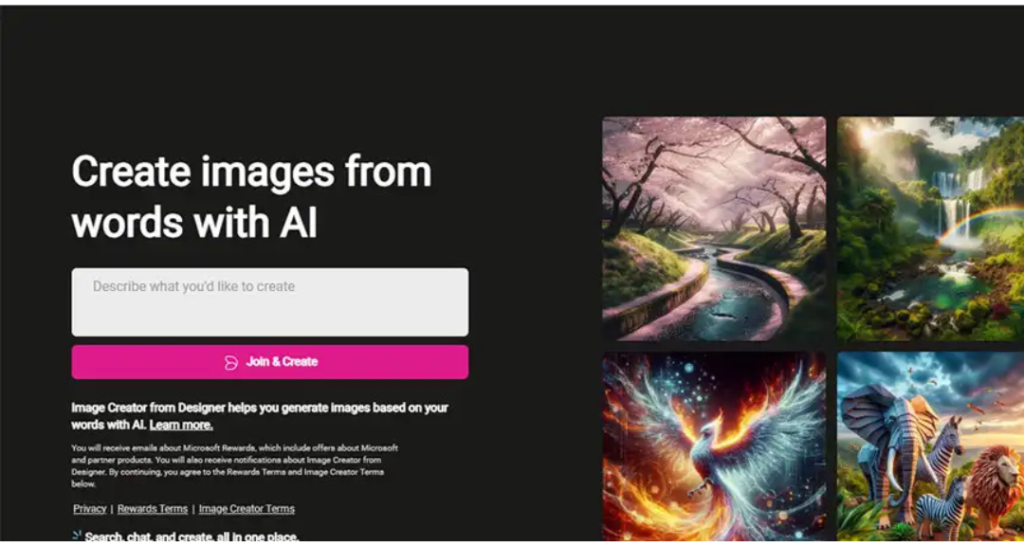
Bing Image Creator allows you to generate images based on descriptions provided by the user, using artificial intelligence (AI). To use it, follow these steps:
- Access Bing Image Creator: Open your browser and go to the tool.
- Log in: Make sure you are logged in to a Microsoft account.
- Describe the image: In the description box, enter the details of the image you want to create. You can be creative and explore different types of images. Experiment and have fun creating!
How will Bing AI Search affect SEO professionals?
With tools such as Bing AI, Google Bard, and ChatGPT, the field of SEO is about to undergo significant transformations. But how will this happen? The truth is that we are still only beginning to explore all the possibilities.
Currently, you can delve deeper into data-driven insights and use AI to create content calendars that are perfectly aligned with the needs of your target audience.
AI can also act as your writing assistant. Tools based on current versions of GPT can help generate high-quality content that is optimized for search engines and tailored to your audience.
AI can be extremely useful in the operational part of writing blog posts. So don’t hesitate to use it.
We believe that AI is an excellent tool for creating outlines and, above all, overcoming the creative block that a blank page can cause.
And we can’t forget the other roles that AI can play in the world of SEO.
From keyword research and competitor analysis to link building and technical audits, AI can simplify your workflow and help you make data-driven decisions that generate results.
Have you learned what Bing AI Search is?
We hope this article has helped you better understand what Bing AI Search is and how to use this new search technology.